

YarpBot+
YarpBot+ is YarpBot's subscription service that allows access to premium features for a monthly cost. Any feature marked with YarpBot+ will need a subscription to use.
How to Subscribe
Once logged into YarpBot, you can subscribe to YarpBot+ from any page by accessing the "Subscribe To YarpBot+" button located in the header of the website on the right hand side next to the account menu.

You can also subscribe by clicking the Menu button on the top right corner of the site and then clicking Account. From here, the YarpBot+ section will be one of the sections listed.
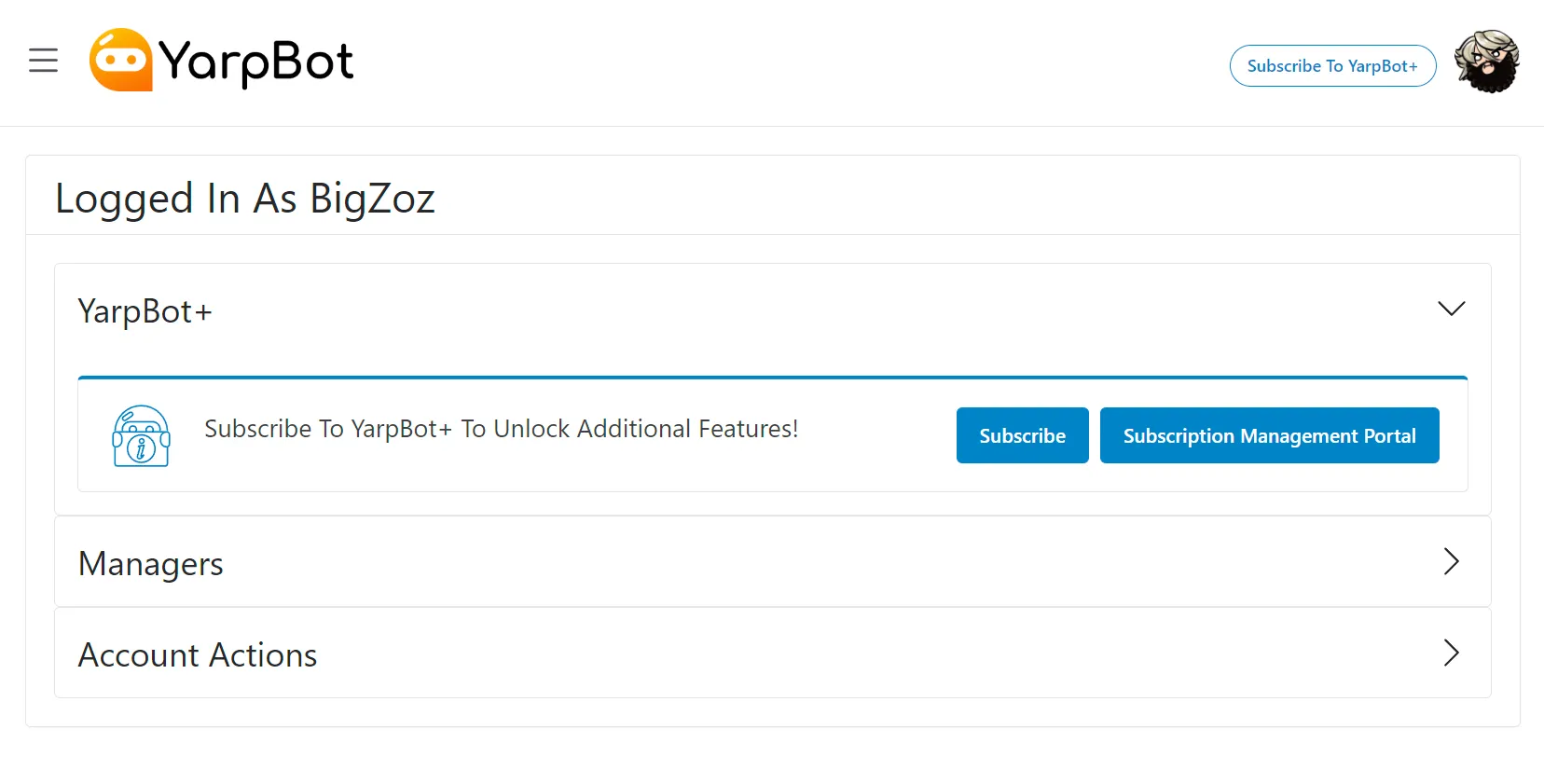
Both of these options will provide a popup with details and a link to open the subscription menu.
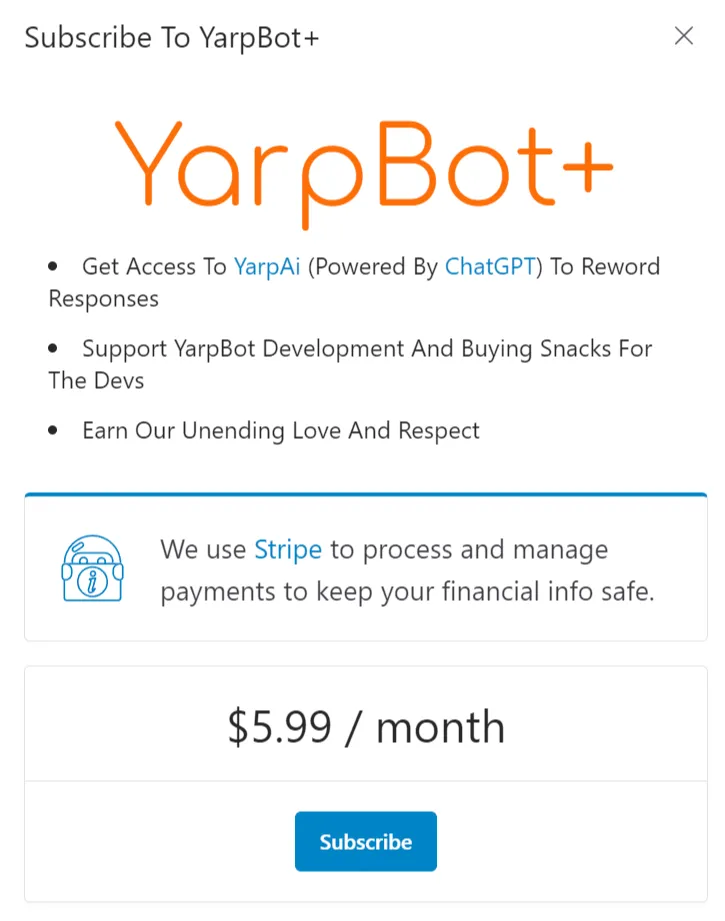
Clicking Subscribe will then open a page to take payment information hosted by Stripe.
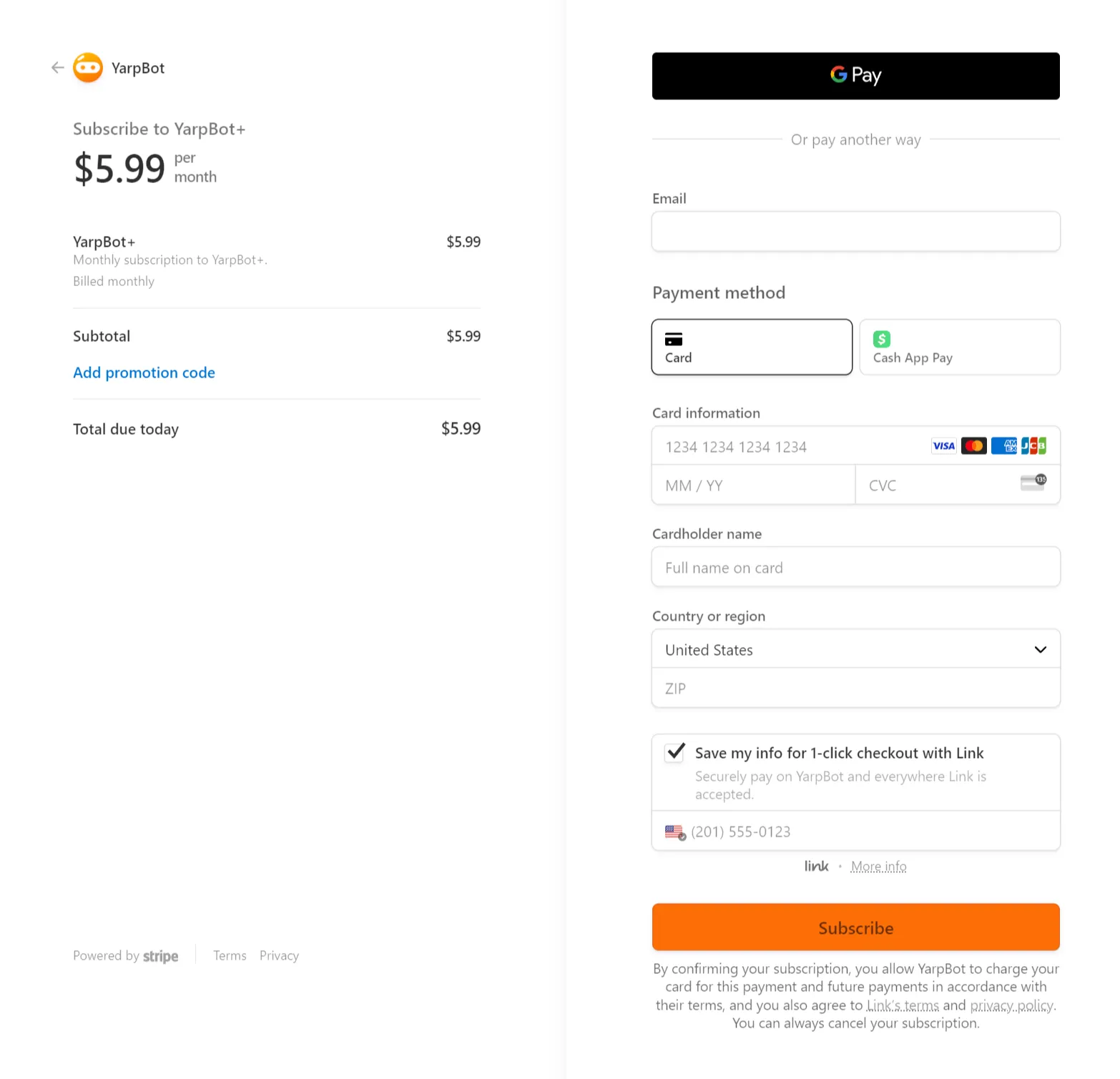
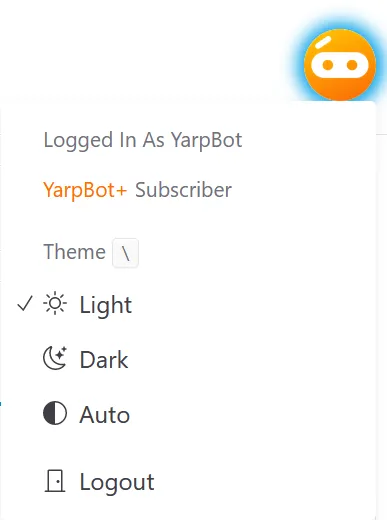
Once you fill out the form, you will be redirected to YarpBot and by checking the User menu you should see your YarpBot+ Subscription.
Manage My Subscription
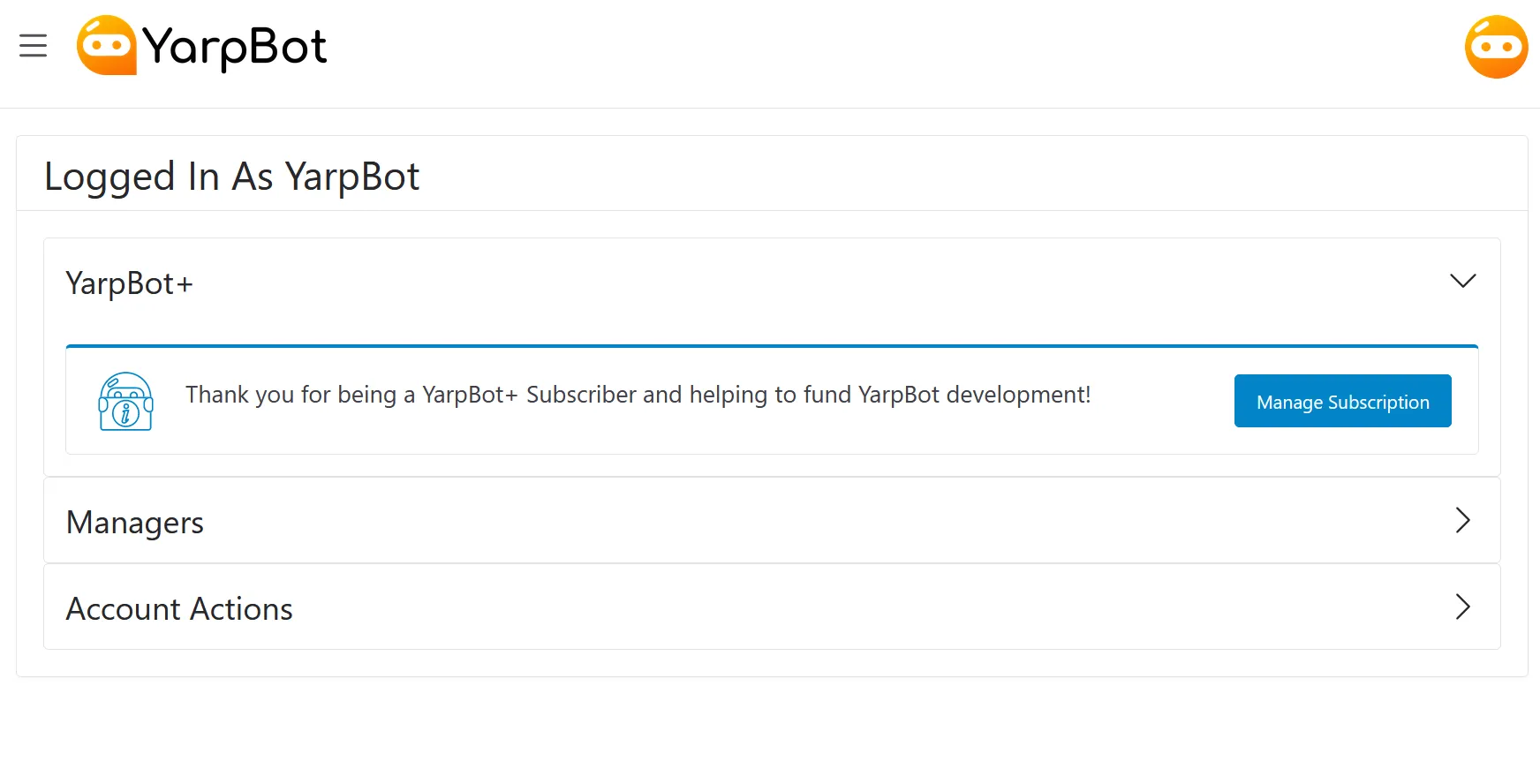
To manage your YarpBot+ subscription after logging into YarpBot, click the Menu button on the top right corner of the site and then clicking Account. From here in the YarpBot+ section, click the Manage Subscription button.
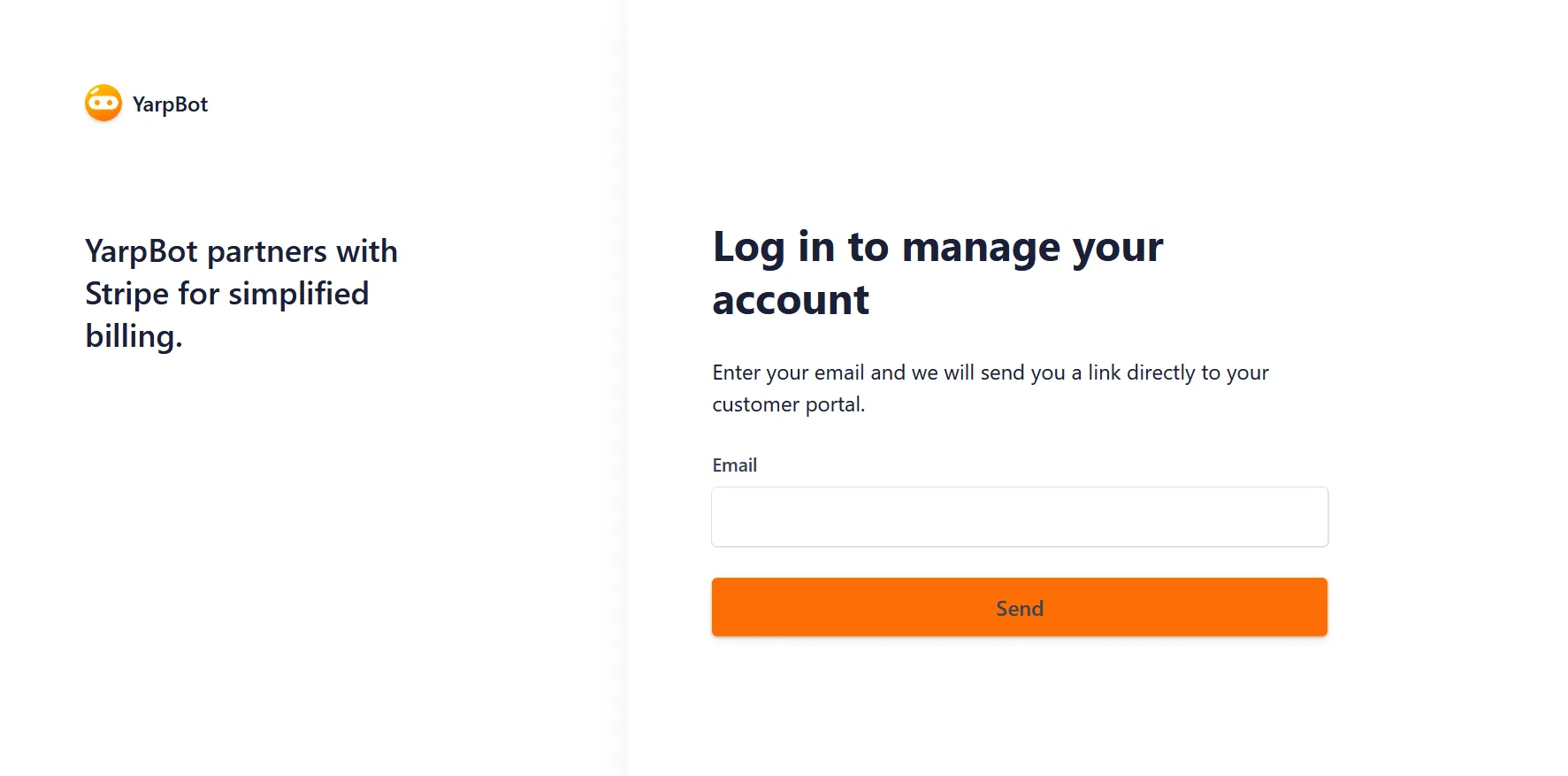
You will then be redirected to a page hosted by Stripe that will allow you to login to the user portal using your email and a link sent to your email inbox.
Once logged in, you can view details, edit payment methods, and cancel your subscription.
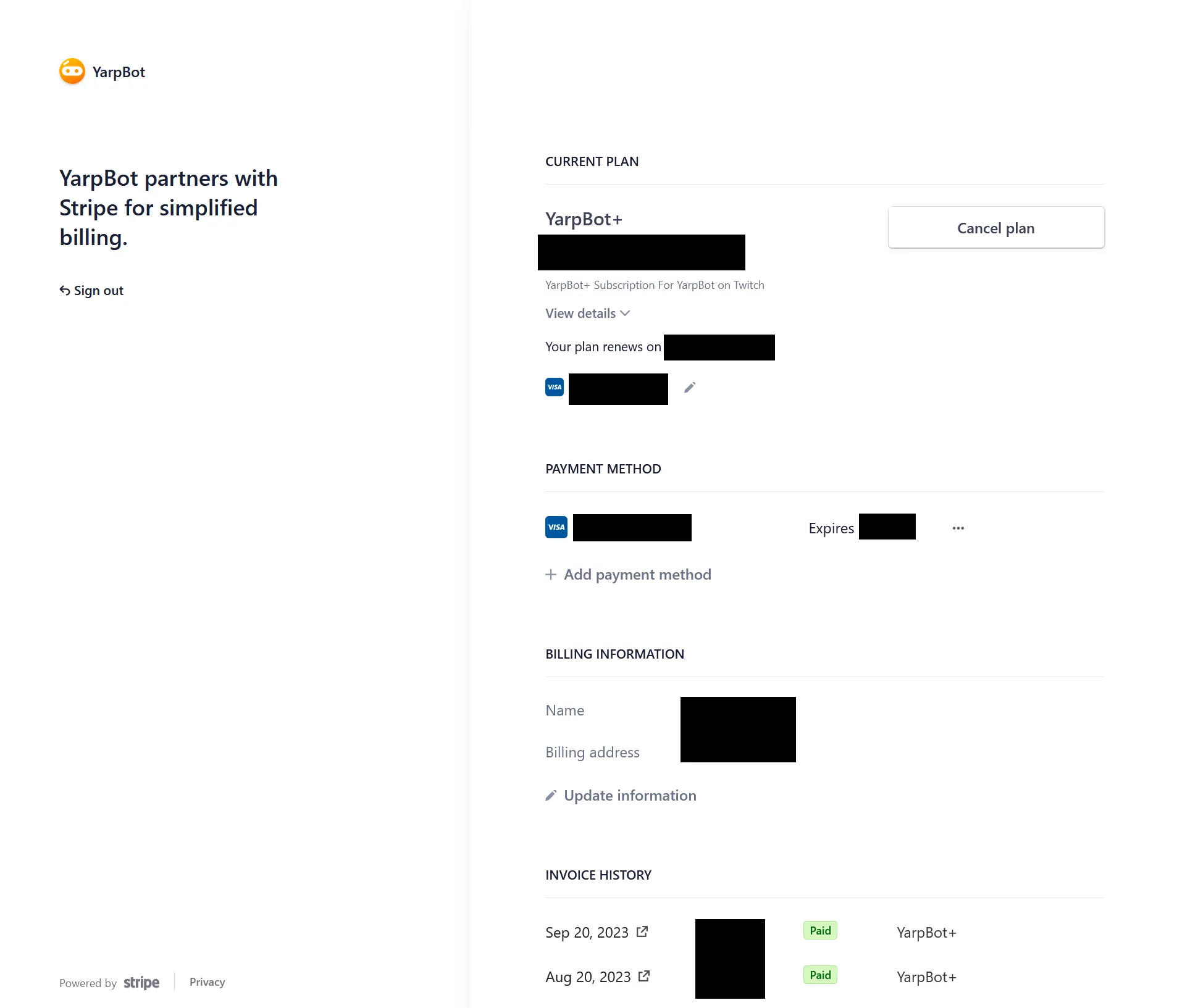
Once a plan is cancelled, you will continue to have access to YarpBot+ until your renewal would have happened, at which time your YarpBot+ access will expire.