

The Feed
The Feed is a tool you can use to see just how YarpBot is making decisions on how to process messages in your channel.
Accessing The Feed
To access the Feed, click the Menu button on the top right corner of the site and then click Feed. Once there, the Feed page should connect and start awaiting messages.
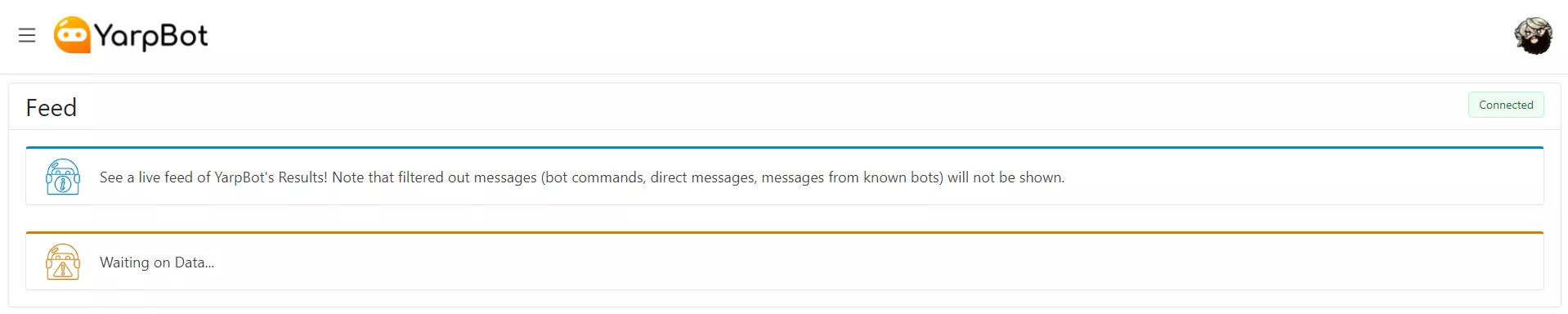
YarpBot does not keep your old chat messages and the Feed is not a history of what goes on in your chat. The Feed will only show messages as they happen, and when you leave the page those messages will be gone.
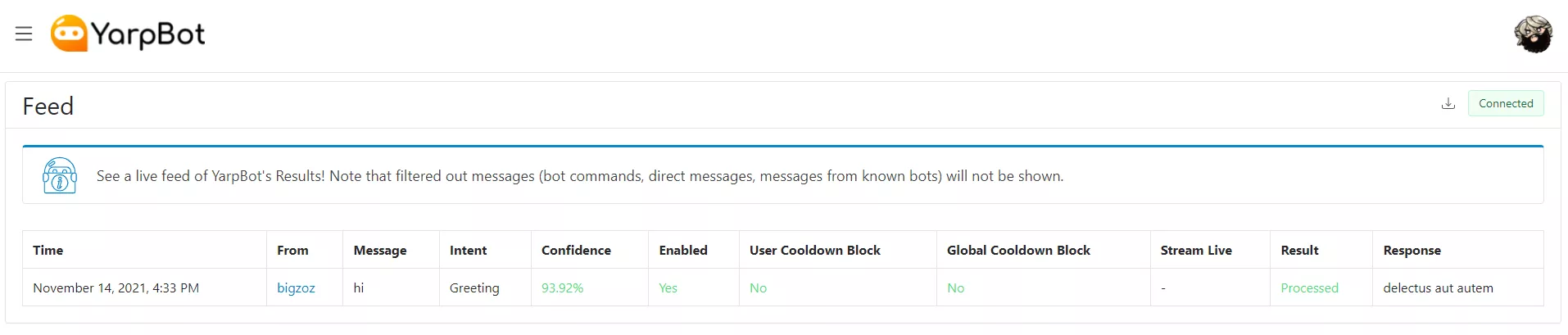
Once a message comes through, the results table will appear.
Interpreting The Feed
The Feed table has the following sections:
Time
Shows what time the message was received at.
From
The Twitch User who sent the message.
Message
The Content of the message.
Intent
Which Intent YarpBot believes the message is associated with.
Confidence
How confident YarpBot is that it is correct about the Intent. YarpBot requires its confidence in a decision to be at least 75% to continuing processing.
Enabled
Is the Intent enabled by your account.
User Cooldown Block
Is the response blocked because the Intent is on cooldown for this Chat User.
Global Cooldown Block
Is the response blocked because the Intent is on Global Cooldown.
Stream Live
Is the stream live or not. Is only computed and shown if an Intent requires the stream to be live.
Result
Shows if the message was processed by YarpBot and a response was provided.
Response
If YarpBot decided to process this message, then the message YarpBot decided to respond with.
Downloading The Feed
On Desktop browsers, you can download the data in the Feed by clicking the download button on the top right hand corner of the Feed.

This will provide the data in a JSON format for if you want to examine it or even provide us with an example if there's a bad response or something; you do you.